Try the demo on your own device.
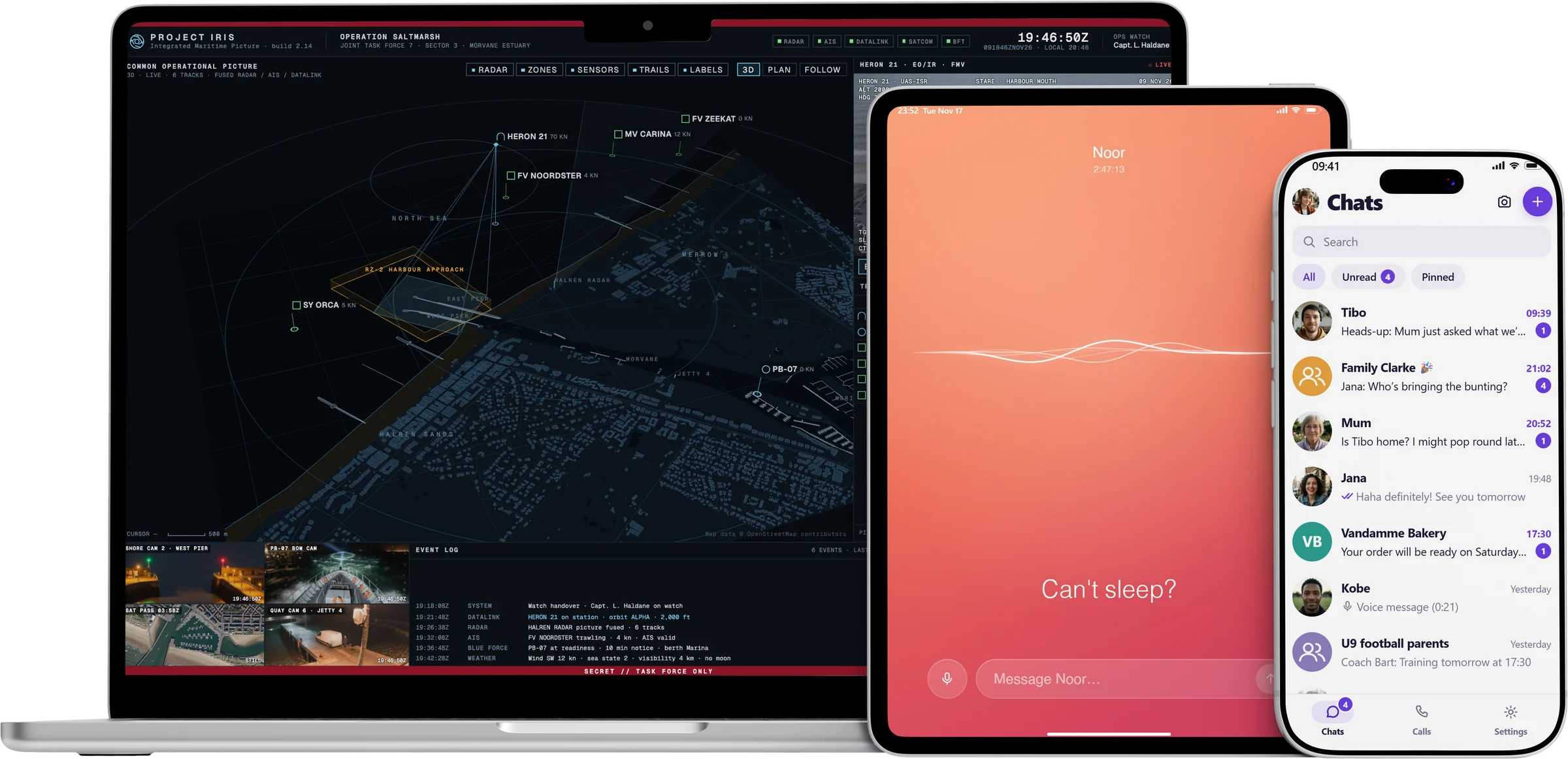
Play our demo props yourself, offline and exactly the way a prop plays on set. It takes five minutes and it's free.
- 01 / 04
Download the Player
For Windows, Mac, Android, iPhone and iPad. Choose your device and install the app.
Windows
Windows 10 or 11, 64-bit
v0.5.31, 134.6 MB
Download .exeAndroid
Android 11 or later
Mac
Apple Silicon and Intel
Apple Siliconv0.5.30, 153.8 MB
Intelv0.5.30, 161.5 MB
Signed and checked by Apple
iPhone and iPad
From the App Store
v0.5.21
App StoreInstallation instructions and updates for each device are on the downloads page. All downloads and instructions
- 02 / 04
Create a free account
Fill in the form. You get the Demo production right away. Then confirm your email address with the button in the email we send you.
- 03 / 04
Open the Demo production
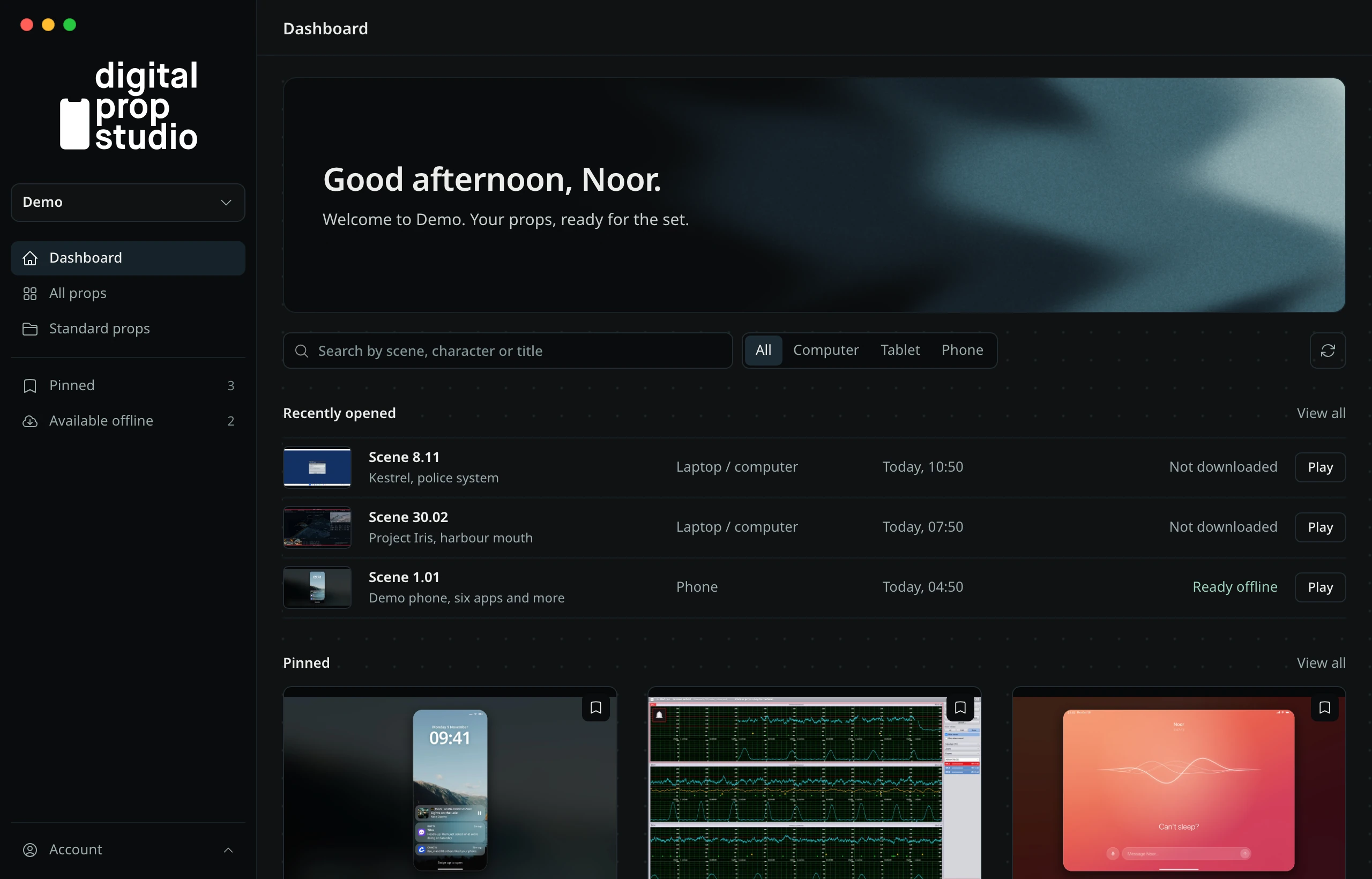
Every new account gets the Demo production. Under All props you'll find our demo props for phone, tablet and computer.
- 04 / 04
Play a prop, and close it again
Choose a prop and tap Play. It fills the whole screen and works like a real app.
To close it, double-tap the screen of your phone or tablet with two fingers: a menu opens where you close the prop. On a computer, press Shift+Esc.
Recently opened
- Scene 8.11Kestrel, police systemPlay
- Scene 30.02Project Iris, harbour mouthPlay
- Scene 1.01Demo phone, six apps and morePlay
On a computerShift+Esc